Start with facts you trust
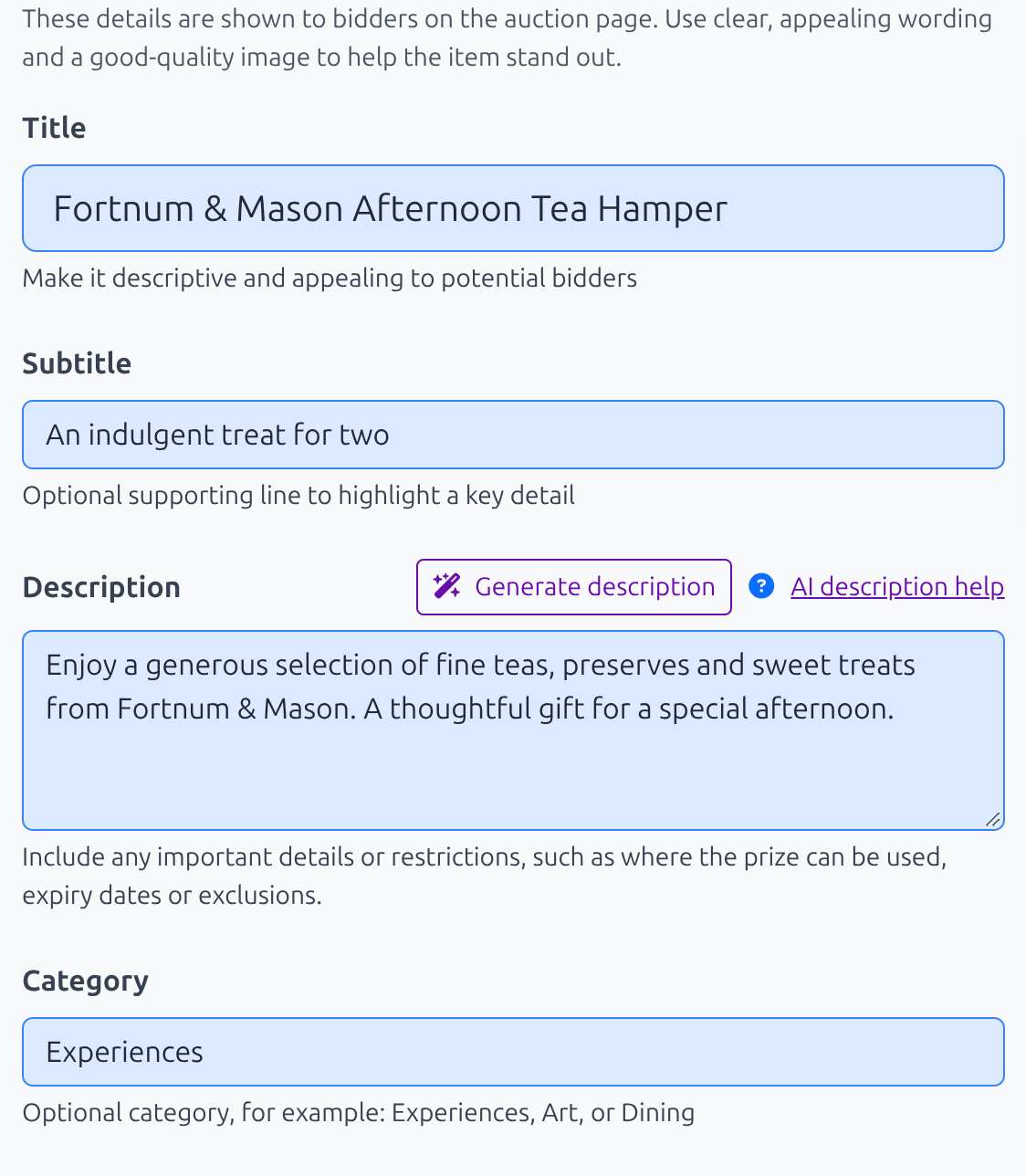
AI can turn your notes into a clearer first draft. Enter a title and the useful facts you already know before asking Aucly to generate or improve the text.
Use it for auction item descriptions when you already have useful details in the form. Choose Generate description to create the draft.
Review before saving
The preview says AI-generated draft. Please review before saving. Check every detail, edit unclear wording and save only when the public copy is accurate. You remain responsible for the description you publish.
For auction items, check values, expiry dates, restrictions, collection or delivery details and donor names against the original prize information.
Keep sensitive information out
Do not enter passwords, payment credentials or private personal information. Keep public text focused on the auction, prize, organisation and cause.
If generation is unavailable
If Aucly says Daily AI description generation limit has been reached, continue editing your current draft or return after the daily allowance resets. Your existing form content is not lost.
Your next step
Use the generated text as a first draft. Read it aloud, remove anything you would not naturally say and check every factual detail before saving. If the result is too generic, add more useful facts to the form and try again.