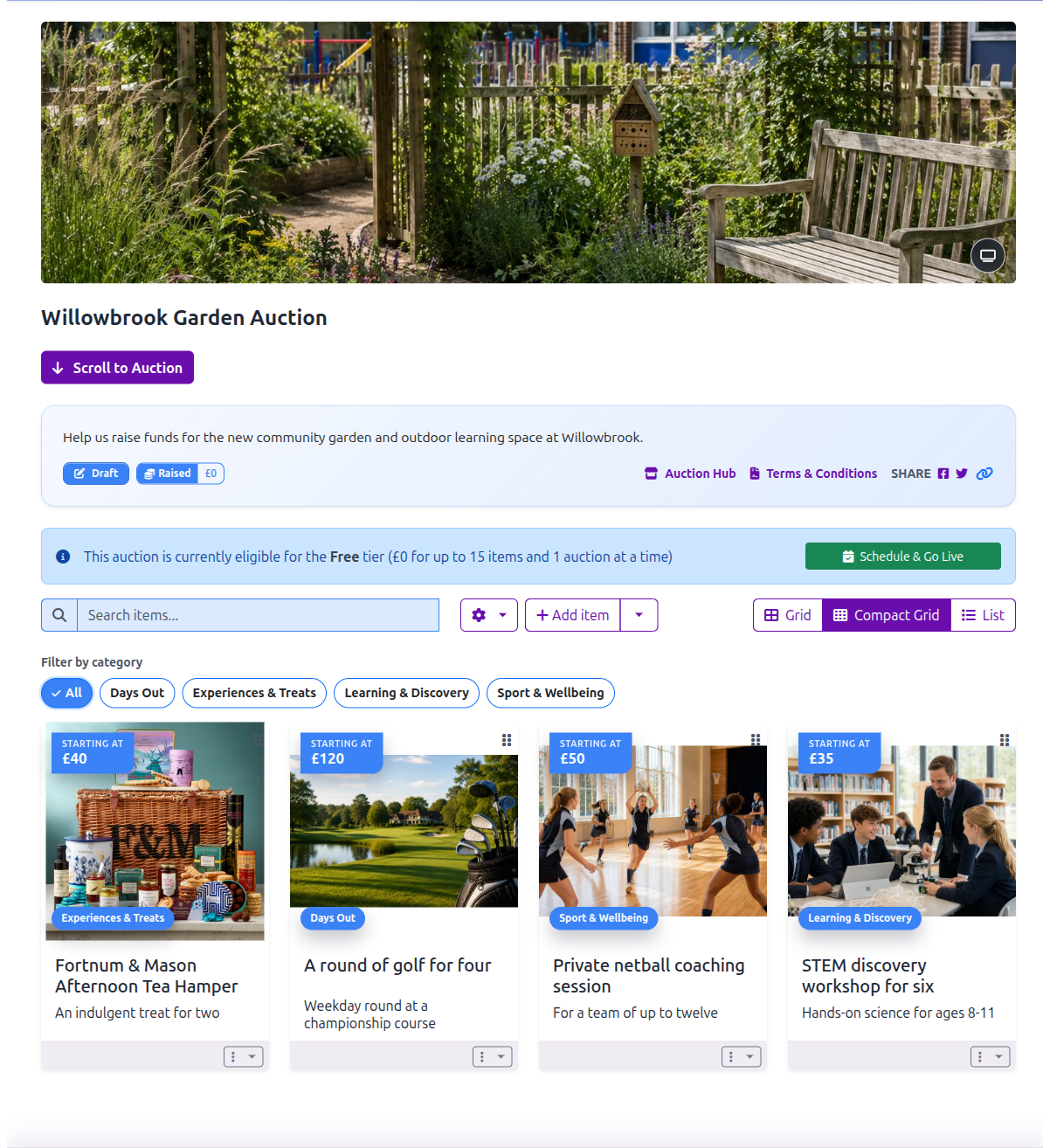
Check that the draft is ready
A draft has no start or end date and is not visible to bidders. Before you can schedule it, check that it has:
- At least one item.
- Valid Starting Amount, Bid Increment and Reserve Amount values for every item. See Reserve pricing if an item is rejected.
- A verified bidder reply email address. Use Configure bidder reply email, or open Organisation settings and choose Bidder Email Notifications, then select Send verification email. See bidder reply email address if the message does not arrive.
- A hosting option. Covered by your subscription and the Free scheduling tier both mean no hosting fee is required. Otherwise, Aucly takes you through checkout first.
Open the draft and select Schedule & Go Live.
Choose when bidding opens
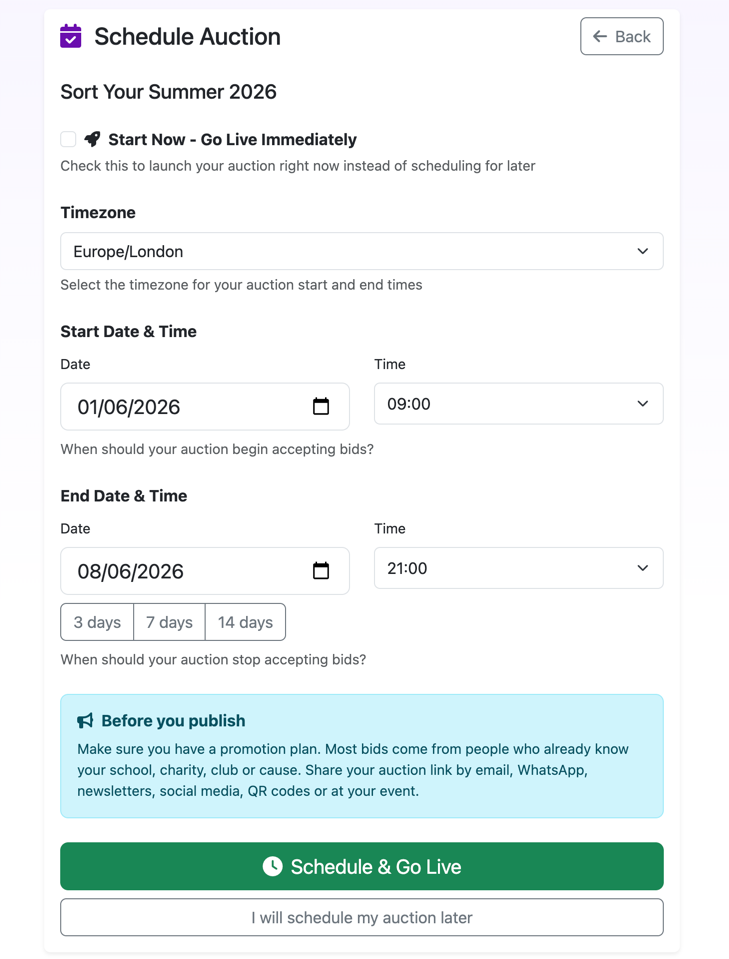
- On Schedule Auction, choose the Timezone.
- Enter the Start Date & Time and End Date & Time. The end must be later than the start.
- Use 3 days, 7 days or 14 days if you want a quick closing-date shortcut, then adjust either field if needed.
- Select Start Now - Go Live Immediately only if bidding should open as soon as you submit.
- Select Schedule & Go Live.
If your dates are not settled, select I will schedule my auction later. Nothing is published and the auction remains a draft.
Understand the scheduled state
The auction becomes public once it is scheduled, but bidding opens at the start time. A future auction is therefore scheduled and visible before it is open for bids. Start Now - Go Live Immediately makes it public and opens bidding straight away.
Open Promotion pack from the auction actions to share the auction link and prepare a QR code or flyer. For an in-person event, open the auction page and select the Event Display button beside the banner or auction title to present the same auction on a projector or screen; attendees can scan its QR code to open the auction on their phones. See the Event Display guide for its appearance settings and presentation controls, and the Promotion guide for sharing links and preparing flyers.
Change a scheduled auction
Return to the schedule page and select Update Schedule. Before bidding starts, you can change the timezone, start and end. Once the auction is active, the page explains that Timezone cannot be changed for active auctions and Start date cannot be changed for active auctions; you can still change the end date to a valid future time.
Auction and item descriptions can be corrected until the auction has ended or been archived. Auction currency locks after scheduling, while item price fields lock after that item receives its first bid. The Create auctions and Manage items guides explain those controls.
When bidding has ended, move on to Collect Payments.