Check live bids
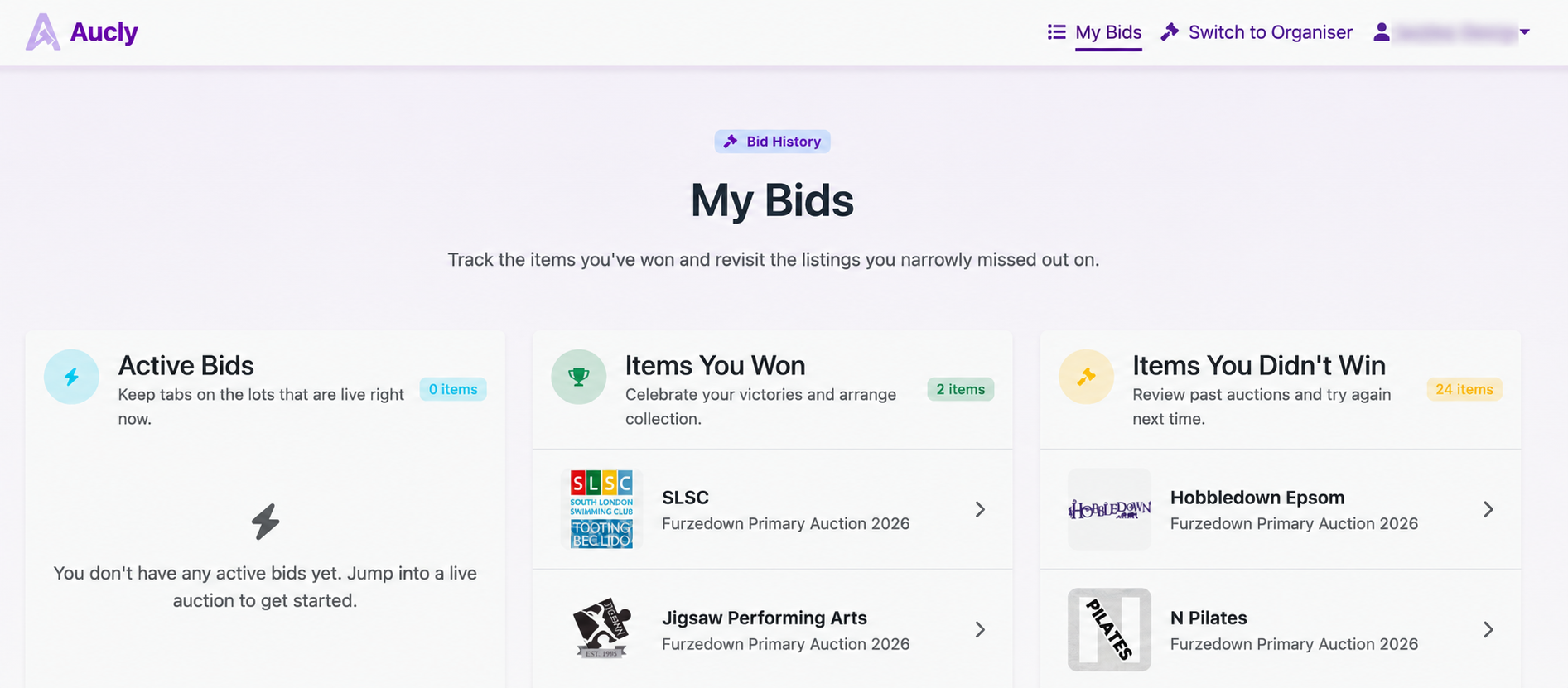
Open My Bids to find live auctions under Active Bids. Each item shows Winning bid or Outbid.
Open the item to check its current price. While bidding remains open, select Modify Bid there if you want to set a higher maximum. The auction's closing time still applies while My Bids is open.
Check the result after the auction
Ended items move to Items You Won or Items You Didn't Win. This can take a short time after the displayed closing time, so refresh My Bids if the auction still appears active.
The highest bid wins only if any reserve was met. An item can appear under Items You Didn't Win when you led the bidding but the reserve was not met. The organiser may also offer an item to an alternate winner later.
If you won, wait for the organiser's instructions and use Paying for Items when the payment request arrives.
If a bid is missing
Check that you signed in with the account used to place it. Different accounts have separate My Bids lists.
An amount entered in the bid window is not a bid until you select Place bid and Aucly accepts it. If the accepted bid is still missing, return through the organiser's auction link and check the item's current status.