Choose what you need to do
Most bidders open an auction from a link shared by the organiser. Aucly has no searchable auction marketplace, so keep that link if you want to return later.
- Create an account when Place Bid asks you to sign in or sign up.
- Place a bid after checking the item, amount and auction terms.
- Understand proxy bidding to see how a private maximum can bid for you.
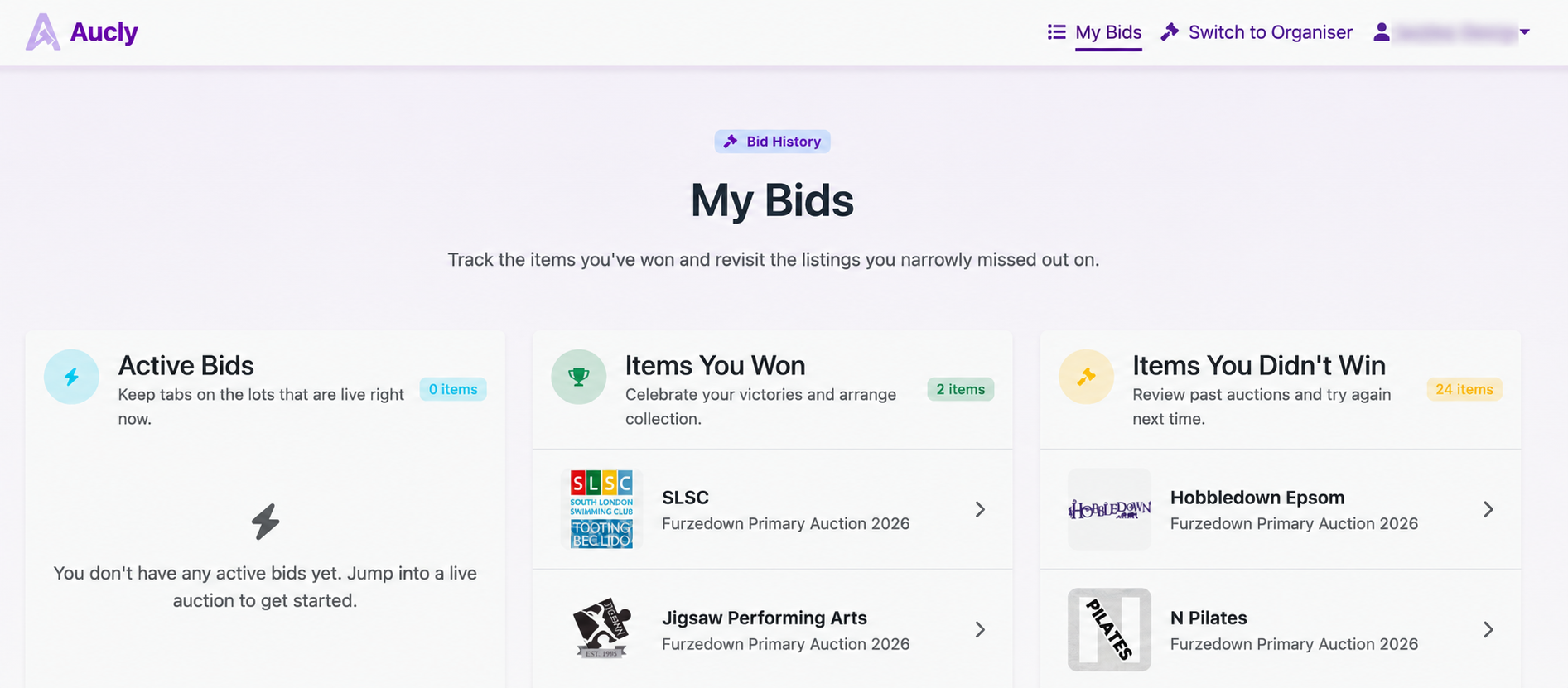
- Check My Bids to see whether you are winning, outbid or have won.
- Pay for winning items when the organiser sends a payment request.
Before you bid
Read the item description for expiry dates, age limits, booking conditions, location restrictions and collection or delivery arrangements. Ask the organiser if anything is unclear.
Check the currency shown for that auction before entering an amount. A confirmed bid is a commitment to pay the final winning price if you win.
The organiser is responsible for the prize and its collection or delivery. Aucly records your bids and shows their current state in My Bids.
Your next step
Open the auction link you received and read the first item carefully. When you are ready, create an account or place a bid.